Start a Career in Cybersecurity
An honest, structured start in the field: networks, attacks and defence, hands-on labs, plus certifications, CV and interview preparation.
Course in English · Cybersecurity
Most beginner courses explain cybersecurity. This one has you do it: on your own computer, with free tools, in a safe practice lab you build in the first module.
View the course on Udemy
Eight modules take you from the core principles of the field through networking, systems and identity, cryptography, the current threat landscape and attack techniques, to defending and responding as a blue-team analyst. The last module covers Zero Trust, cloud and container security, securing AI systems, and governance.
Every module has labs on your own machine. A capstone ties them together: you trace one incident from the first intrusion to the response and write it up.
One that can run a free virtual machine, with around 8 GB of RAM to be comfortable, and an internet connection. Every tool used is free or a community edition.
Everything happens in your own lab or in a legal browser sandbox. The course draws a clear line on authorisation: never test a system you do not own or have written permission to test.
Eleven labs on your own machine, and a capstone write-up that shows what you can do.
An honest, structured start in the field: networks, attacks and defence, hands-on labs, plus certifications, CV and interview preparation.
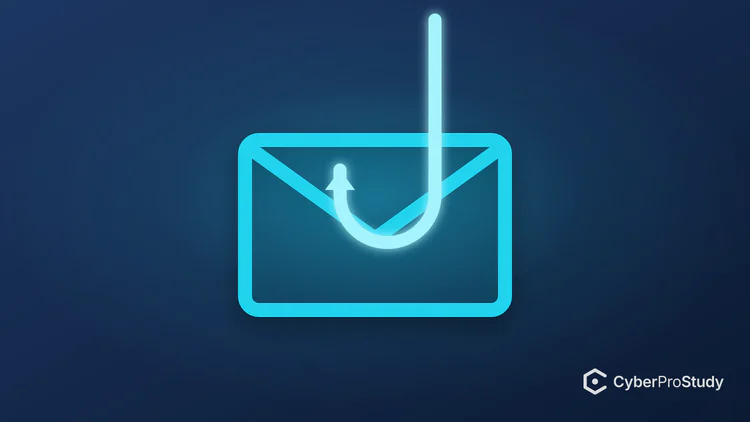
Phishing, deepfakes and AI scams, passwords and MFA, safe data handling and incident reporting for every employee. No IT skills needed.